
E-Rate For Schools & Libraries
Make Your E-Rate Budget Build The Network Your Students Need
E-Rate's Category Two program pays 20% to 85% of eligible Wi-Fi, switching, firewall, cabling, and managed Wi-Fi costs. Freedom Tech helps schools and libraries plan, budget, and design a network that uses every eligible dollar.
Estimate Your Budget
What Could E-Rate Cover For You?
Every school gets a Category Two budget for FY2026–2030: $201.57 per student, with a $30,175 minimum. Libraries get $5.43 per square foot. Your discount depends on how many students qualify for free or reduced-price lunch and whether you're rural or urban.
Estimate for one school. District budgets add up each school's amount. USAC sets your official budget and discount.
Five-year Category Two budget
$120,942
$201.57 per student for FY2026–2030
- Your discount
- 60%
- E-Rate pays
- $72,565
- Your share
- $48,377
Spending the full budget on eligible Wi-Fi, switching, firewalls, and cabling over the five years.
Category Two discount table
| Students eligible for free or reduced lunch | Urban | Rural |
|---|---|---|
| Less than 1% | 20% | 25% |
| 1% to 19% | 40% | 50% |
| 20% to 34% | 50% | 60% |
| 35% to 49% | 60% | 70% |
| 50% to 74% | 80% | 80% |
| 75% to 100% | 85% | 85% |
What E-Rate Covers
Everything Between The Internet Line And The Classroom.
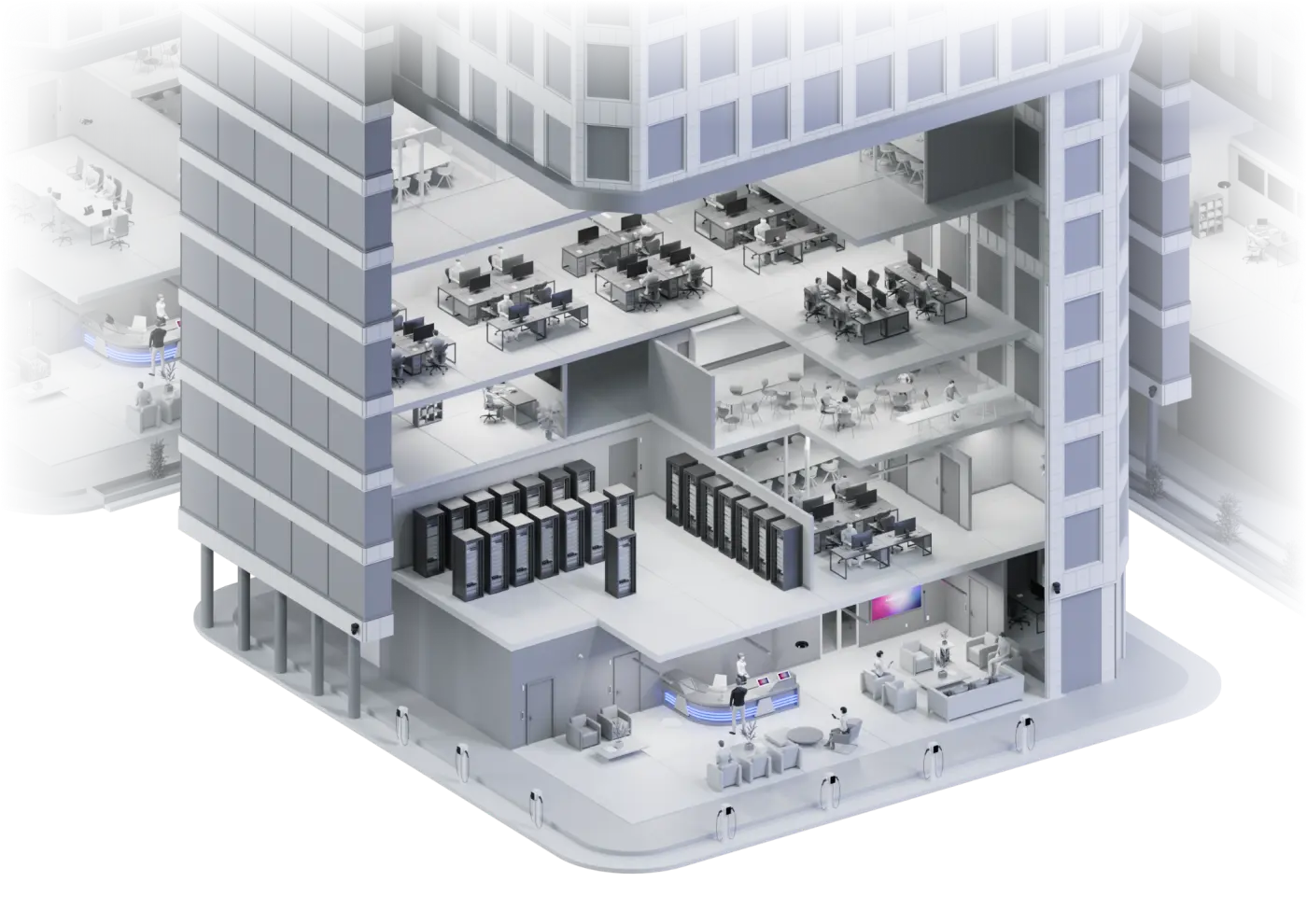
Category Two pays for the network inside your buildings, whatever brand you run. Freedom Tech can design, supply, install, and manage all of it.
Wi-Fi access points & controllers
UniFi, Cisco Meraki, and other enterprise Wi-Fi, plus the licenses they need to run
Switches & routers
Access, PoE, and core switching for every closet and building
Firewalls
Firewall hardware, software, and licenses beyond the basic protection your internet provider includes
Cabling
Structured cabling, fiber between buildings, and the labor to install eligible equipment
UPS, battery backup & racks
Power protection and racks for network closets
Managed Wi-Fi (MIBS)
A third party operating, managing, and monitoring your network, as a monthly service
Basic maintenance (BMIC)
Repair and upkeep contracts for eligible network equipment
Not covered
- Cameras, door access, and visitor management
- Phones and paging
- Chromebooks, laptops, and other end-user devices
- Content filtering, even though CIPA requires it
- Security beyond the firewall, like endpoint protection and email security
- Microsoft 365, Google Workspace, and other user licenses
Freedom Tech provides these too. We quote them on separate line items, paid from other budgets, so they never put a funding request at risk, and one team supports the whole campus. For 24/7 monitored campus safety, see our sister company Steadfast Schools.
Managed Wi-Fi
E-Rate Can Pay For Running The Network, Not Just Buying It.
Managed Internal Broadband Services (MIBS) is the E-Rate name for managed Wi-Fi. A provider operates, monitors, and maintains your network for a monthly fee, and E-Rate pays the same 20% to 85% discount on it. For a school without a full-time network engineer, it's often the best use of the budget.
Monitored Around The Clock
Our operations center watches access points, switches, and firewalls and responds before teachers notice.
Updates & Changes Handled
Firmware, new Wi-Fi networks, configuration changes, and backups are part of the service.
One Number To Call
Staff call Freedom Tech when the network acts up, instead of waiting on a part-time contractor.
Predictable Cost
A fixed monthly price that fits your five-year Category Two budget, with your share known up front.
Featured Platform: UniFi
710 Of 968 UniFi Products Are E-Rate Eligible.
As a UniFi Partner, we often recommend UniFi for schools. It has no per-device license fees, so more of the budget goes to hardware and coverage. Ubiquiti publishes an E-Rate eligibility list for it.
Eligible for Category Two
Wi-Fi access points
Every current UniFi 7 and Enterprise access point, plus nearly all Wi-Fi 6 models
Switches
All 72 UniFi switches on the list, from 8-port PoE to aggregation and core
Gateways & firewalls
Cloud Gateways and other UniFi routing and firewall hardware
Fiber & building-to-building links
UISP fiber, UniFi Wave, airMAX, and airFiber wireless bridges
Accessories
Most mounts, PoE injectors, and other parts that support eligible equipment
Already running another brand?
Many districts have standardized on Cisco Meraki, Fortinet, Aruba, or Ruckus, and many Form 470s ask for a specific brand “or equivalent.” We design and support mixed networks, and we'll tell you honestly whether staying with what you have or switching makes more sense over five years.
Not on UniFi's eligible list: Protect cameras, Access door control, Talk phones, Connect displays, and cellular routers.
Download Ubiquiti's full E-Rate eligibility list (Excel) with every SKU and its eligibility. USAC makes the final decision on every funding request.
How E-Rate Works
Start Planning Now For Next July.
E-Rate runs on a yearly cycle, and the work starts long before installation. Schools that plan in the fall are the ones ready to post when bidding opens.
- 01
Plan
Count students, map buildings, and decide what the next five years need. Summer and fall are the time to do this.
- 02
Post Form 470
You post your needs on USAC’s portal. It must stay open for bids at least 28 days.
- 03
Choose A Vendor
Compare the bids you receive, with price as the heaviest factor, and sign a contract.
- 04
File Form 471
Request funding during USAC’s filing window, which usually opens in January and runs into March.
- 05
Install & Invoice
Once funding is committed, the work gets done. The funding year runs July 1 to June 30.
Where Freedom Tech Helps
A Network Plan Your Budget Can Actually Buy.
Coverage & Network Design
We walk each building, plan access points and switching around real classroom density, and size the network for five years, not five months.
Eligible vs. Ineligible, Line By Line
Every item on the design is marked as Category Two eligible or not, so cameras and door access are never mixed into a funding request.
Budget That Adds Up
We match the design to your five-year Category Two budget and your discount rate, so you know your share before anything is posted.
Installed & Supported
We install, configure, and support UniFi networks, and put safety systems like cameras and door access on the same platform from other budgets.
A note on fair bidding
E-Rate requires open, competitive bidding. A vendor that plans to bid on your project can't write your Form 470 or RFP. That part belongs to your district or your E-Rate consultant. We're glad to explain the technology and share general product information with anyone.
Sister Company · Steadfast Schools
24/7 Monitored Safety For K-12 Campuses.
E-Rate funds the network. Steadfast Schools, our sister company, adds AI detection on your cameras, sensors, and doors with trained analysts verifying every alert around the clock. It is budgeted separately from E-Rate.
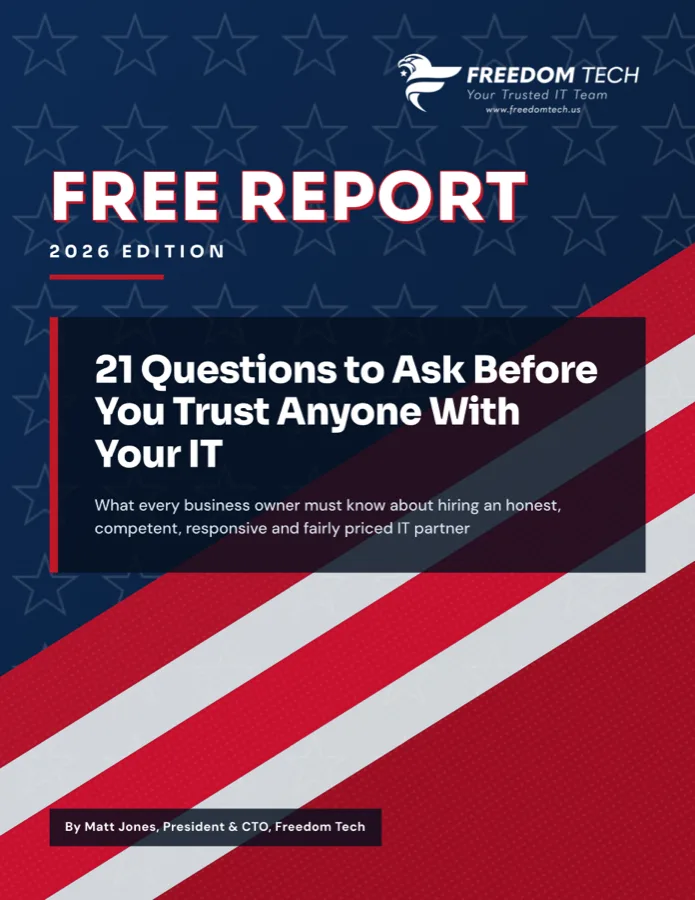
Free Guide · 2026 Edition
21 Questions to Ask Before You Trust Anyone With Your IT
The questions that reveal which IT companies are as proactive, responsive and secure as they claim, plus red flags and a provider scorecard.

Get Your Network Plan Ready Before Bidding Opens
Talk with Freedom Tech about Wi-Fi coverage, switching, and a five-year plan that fits your Category Two budget. Book a 10-minute call, or call 910-920-0999.
Budget figures are from the FCC's Category Two multipliers for FY2026–2030. Eligibility is from Ubiquiti's published E-Rate list; USAC decides every funding request. UniFi and Ubiquiti are trademarks of Ubiquiti Inc., used here with permission.
